
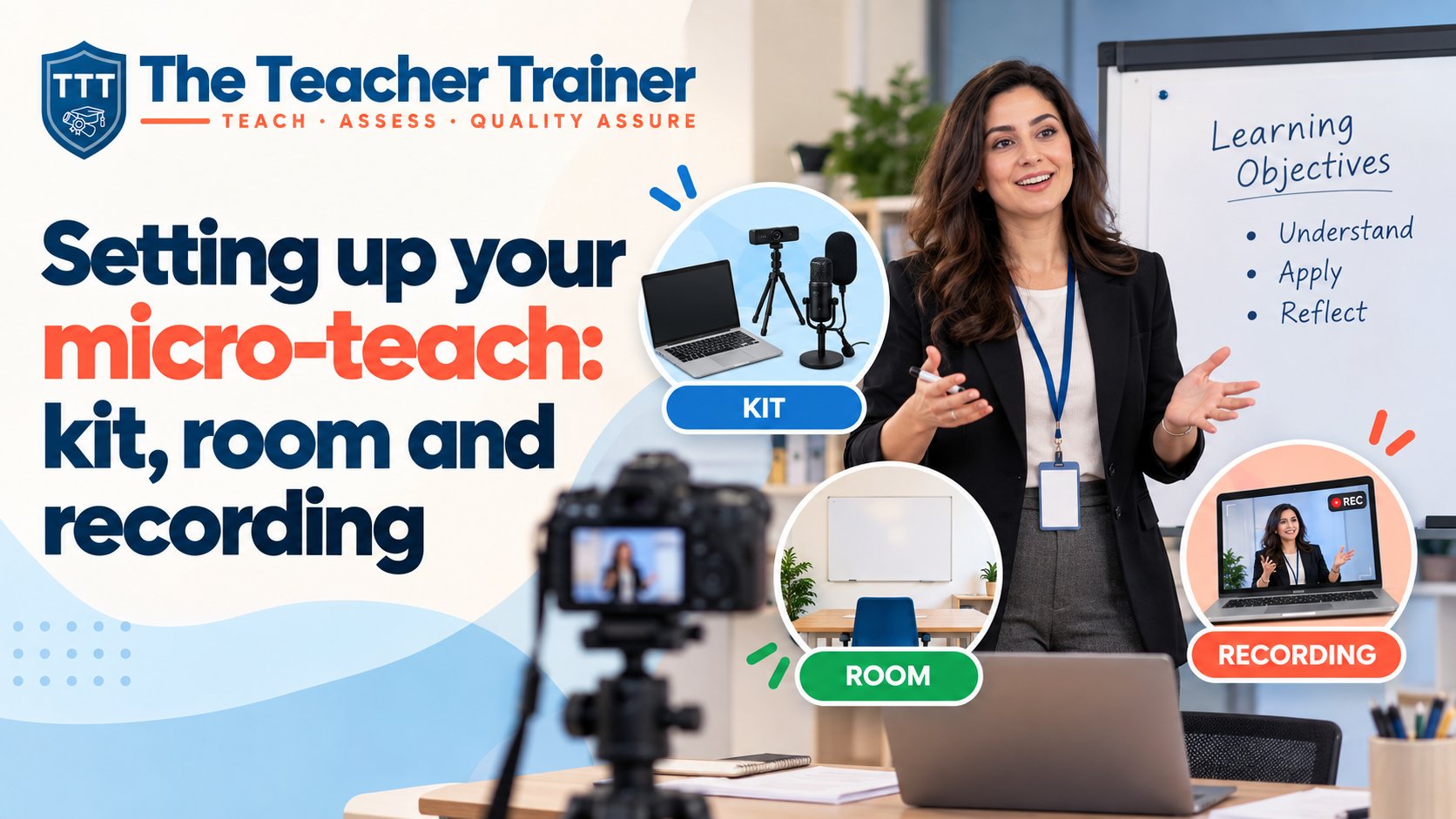

Short answer
You need a phone or camera on a stand, clear sound, a room where two or more learners aged 14 or over can sit where the camera sees them, your session plan and your resources. Record the whole session, at least fifteen minutes, in one take, check the sound before you upload and make sure what you planned matches what you delivered.
What you are setting up for
The micro-teach is a session of at least fifteen minutes that you deliver to two or more learners aged 14 or over. You record it, or a tutor observes it live, and you submit it with your session plan, your resources and a short reflection. If you want the assessment side in detail, read how the micro-teach works and how to pass it first time. This article is about the practical setup.
The assessor needs to see and hear three things: you teaching, your learners taking part and you checking that they learned something. Everything below serves those three.
The kit list
- A phone or camera. Any recent smartphone is fine.
- A stand or tripod. Handheld footage is hard to watch. A cheap phone tripod or a pile of books works.
- Power. Plug the phone in or start with a full battery. A session of fifteen minutes or more uses more video than you think.
- Storage. Clear space on the phone before you start.
- Your session plan. Printed or on screen, where you can glance at it.
- Your resources. Handouts, props, slides or equipment, all laid out before learners arrive.
- A timer. A visible clock or a timer on a second device.
Tip
If you can, do a thirty-second test recording in the room and play it back through headphones. It is the fastest way to catch bad sound.
The room
A quiet room with space for a table matters more than a nice-looking one. Kitchens and living rooms are fine. Avoid rooms with echo, a television in the background or a window behind you, because a bright window turns you into a silhouette.
Place the camera so it captures you and your learners in the same frame. The easiest layout is learners along one side of a table, you at the end and the camera opposite you, slightly raised. If you demonstrate something on the table, make sure it is visible from the camera position.
Your learners
You need at least two learners aged 14 or over. Colleagues, friends and family all count, and they do not need to know your subject. People who know nothing about it are often better, because you have to explain rather than assume.
Tell them in advance how long it will take and that they will be recorded. Each learner MUST agree to being recorded – this can be done on paper or orally (there must be captured/recorded evidence of this). Brief them to take part naturally: answer questions, try the activity, ask something if they are unsure.
The assessor has to see learning happen. That means your learners need to be on camera and doing something.
Recording it well
- Record in landscape, not portrait.
- Start recording before you begin and stop after you finish. One continuous take is easiest to assess.
- Speak towards the camera side of the room where you can.
- Keep your learners in shot when you check their learning, so the assessor can see the answers.
- Teach for at least fifteen minutes. Time yourself once out loud beforehand so you know your session fills the time.
Picture quality rarely causes problems. Sound does. If the room is noisy, move the phone closer or use a cheap clip-on microphone.
Teaching online
If you cannot gather learners in person, a live online session recorded from a video call may be accepted. The same rules apply: at least two learners, cameras on and a clear record of how you checked learning.
Before you upload
- Watch the recording through once, with sound.
- Check that your session plan matches what you delivered. Assessors read them side by side.
- Gather your resources and your reflection.
- Upload through the course platform. Large files can take a while, so use a stable connection and allow time before your deadline.
Marking comes back in 24 to 72 hours. If anything is missing, you get specific notes and one resubmission. The micro-teach allows only one resubmission, so we kindly ask you to check everything carefully before you upload. If you get stuck on the setup, tell your tutor. We would rather help before you record than after.
Questions people ask
Can I record my micro-teach on a phone?
Yes. A phone on a stand is all you need. Clear sound matters more than picture quality.
How many learners do I need for the micro-teach?
At least two, aged 14 or over. Colleagues, friends and family all count.
How long is the L3AET micro-teach?
At least fifteen minutes.
Do my learners need to be on camera?
Yes. The assessor needs to see them taking part and see how you checked their learning.